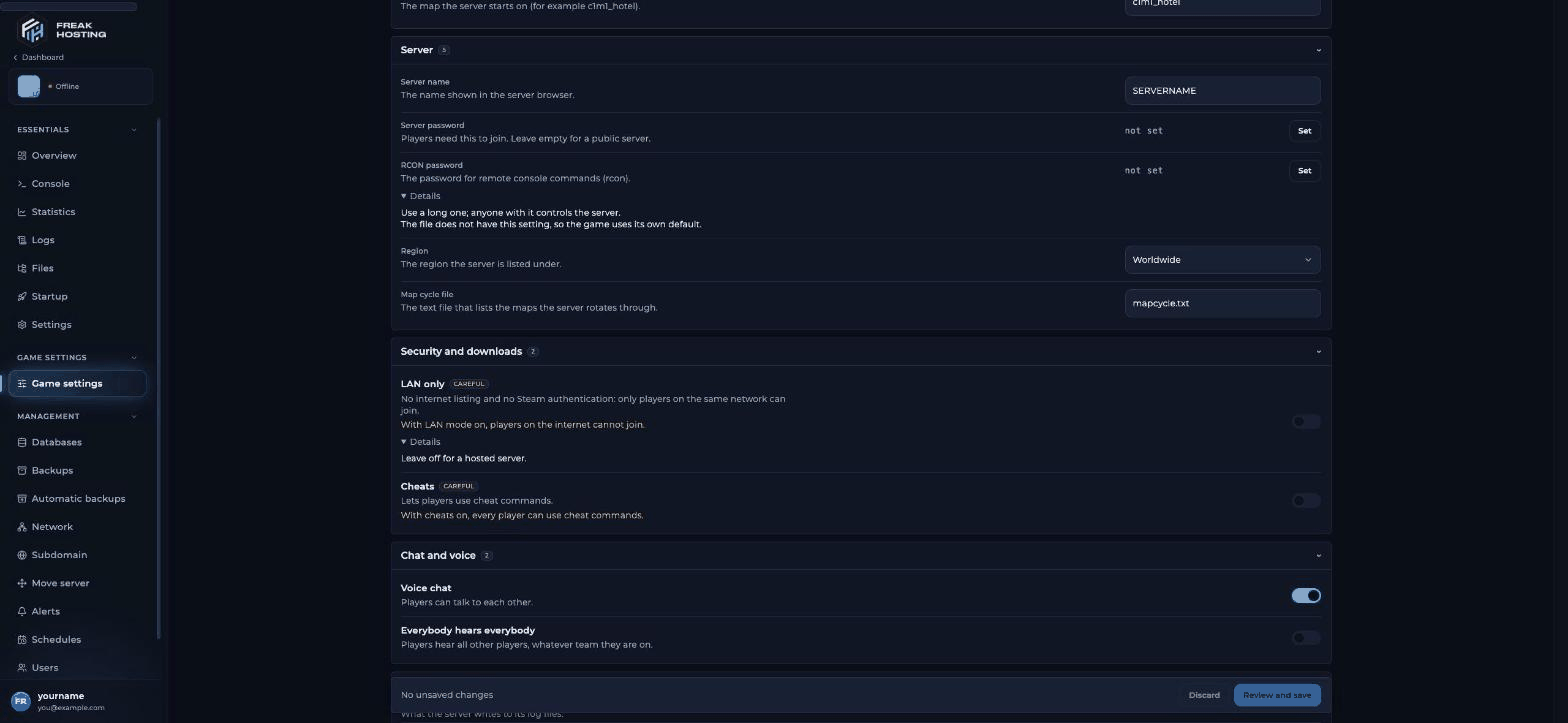
Left 4 Dead 2 Game settings in the Game Panel
Most asked
The L4D2 server topics people search for most, with the page that answers each one:- Server is enforcing consistency for this file: what the error means and how Consistency Check
0in Startup fixes it. - Install Left4DHooks: the plugin most L4D2 plugins need.
- SuperVersus (8+ players): more survivors and infected with L4DToolZ.
- ZoneMod: competitive configs with the Competitive Rework.
- 100 tickrate: Tickrate Enabler,
-tickrate 100and rates. - How to use sprays: the T key and the player settings that make custom sprays show.
- Custom campaigns: upload a
.vpkand load its first map. - Versus server: 4v4 versus and competitive play.
Start here
Game Panel guides
Guides and tips
Commands and settings
Troubleshooting
Game Panel basics
These guides work the same for every game: use the console, use the File Manager, connect via SFTP, create and restore backups, schedules and tasks and DDoS filters.Frequently asked questions
How do I set up a L4D2 dedicated server?
Start the server, set the name, RCON password and start map in Game settings, turn Lobby only off if you want players to join by address, then restart. See getting started.Can I install SourceMod on my L4D2 server?
Yes. Upload the Linux builds of Metamod:Source and SourceMod toleft4dead2/. See install SourceMod.
How do I stop the “enforcing consistency” error?
Set Consistency Check (sv_consistency) to0 in Startup and restart. A sv_consistency line in server.cfg overrides it, so check the file if nothing changes. See fix consistency errors.
How many players can join?
4 in co-op and 8 in versus without mods. More needs L4DToolZ and SuperVersus.Related guides
Getting started
First setup and connect.
Fix consistency errors
The most common L4D2 error.
Install SourceMod
Plugins for your server.
Log in to the Game Panel
Access your server.
Tested by the FREAKHOSTING team on 30 October 2026 (Left 4 Dead 2 on our Game Panel). Steps may differ slightly if the game or its plugins change.
Need Extra Help?
If you encounter any issues, our support team is ready to assist:- Live Chat: Quick assistance via our website.
- Support Ticket: Open a Ticket
- Discord: Join our Community
- Email: support@freakhosting.com
Last Updated: October 2026